
Built from your design system
Typography, colour, spacing and components are defined once and reused across templates.
Custom WordPress development
Creolume is a WordPress development company in India delivering custom WordPress web development for businesses that have outgrown templates. As a WordPress CMS agency, we build custom themes, custom post types, ACF editing experiences, plugins and headless set-ups with clean code and sensible structure. You can hire WordPress developers for a project or as an extension of your team.
Overview
WordPress powers a large share of the web, and for good reasons: a mature editor, a huge ecosystem and flexibility. The same flexibility leads to problems. Sites built from stacked plugins, generic themes and heavy page builders become slow, fragile and hard to edit consistently.
Our custom WordPress web development takes a more disciplined approach. We model your content, build a theme designed for your brand, create structured editing experiences with custom fields and blocks, add only the plugins that earn their place and test performance and security from the start. The result feels like your site, not a template with your logo.
We build marketing sites, corporate sites, publisher and resource hubs, membership and directory sites, WooCommerce stores and headless front ends. Some projects start from a design. Others begin with strategy and content modelling.
WordPress is not always the right answer. When a different platform suits your needs better, we say so. Our other services cover Shopify, Webflow, Wix and fully custom builds.
Explore our wider digital services or see recent work.
Custom themes
A good theme is a set of decisions you can maintain. We build with long-term clarity in mind.
Typography, colour, spacing and components are defined once and reused across templates.
We load only the styles and scripts each template needs, which helps speed and accessibility.
Our themes survive WordPress and plugin updates without hacks.
Code is readable and documented so future developers can pick it up.
What we build
Pick a project type to see how we approach it.
Pricing
Every project is different, so these are indicative starting points rather than fixed quotes. Choose the plan closest to your situation, choose your currency (US dollars, pounds, euros or Canadian dollars), and we will confirm an exact proposal after a short discovery call.
Prices are indicative starting points for the scope listed, excluding hosting, premium plugin licences and content production beyond the plan. Final proposals follow discovery.
A professionally built site on a quality theme, customised to your brand.
from$1,500
one-time project
A custom-designed WordPress theme with structured editing, built around your content.
from$3,200
one-time project
A headless or multi-site architecture with a dedicated team.
from$7,000
one-time project
ACF and blocks
The best editor experience gives people the flexibility they need and nothing that breaks the design. Structured fields and blocks do exactly that.
Custom post types
Posts and pages do not suit everything. Custom post types give each kind of content its own structure.
Projects, services, team members, events, products or resources each get their own fields, templates and admin screens.
Categories and tags designed for how visitors browse and filter.
Readable URLs and sensible archive pages support users and SEO.
Link related content, such as case studies to services and authors to articles.
Custom columns, filters and previews help editors find and manage content.
Content is stored in a structured way that can be migrated or reused later.
Clients
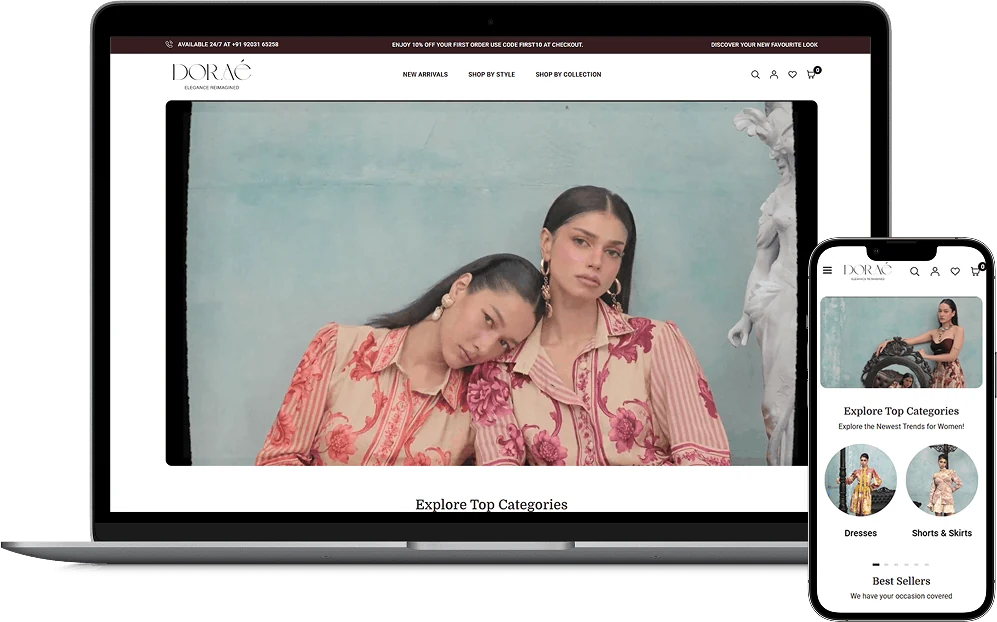
The shop feels like us. The clothes get all the attention, especially on a phone.
 Shubhangi JalanFounder
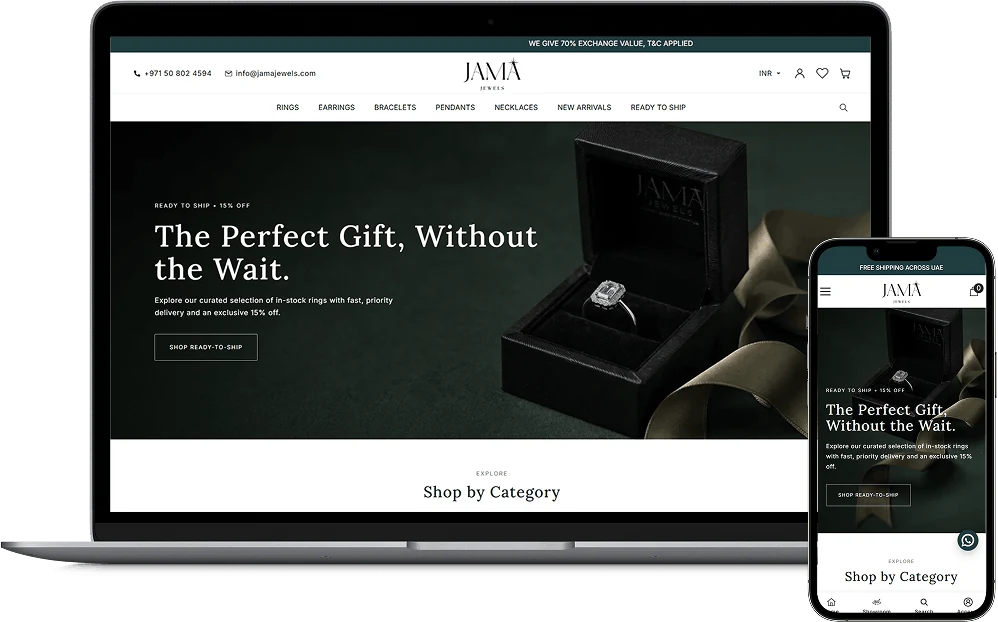
My favourite detail is being able to start with a diamond shape. Sometimes all a customer knows is that she loves a pear cut. I like that she can go straight to those rings.
 Jemis PatelFounder
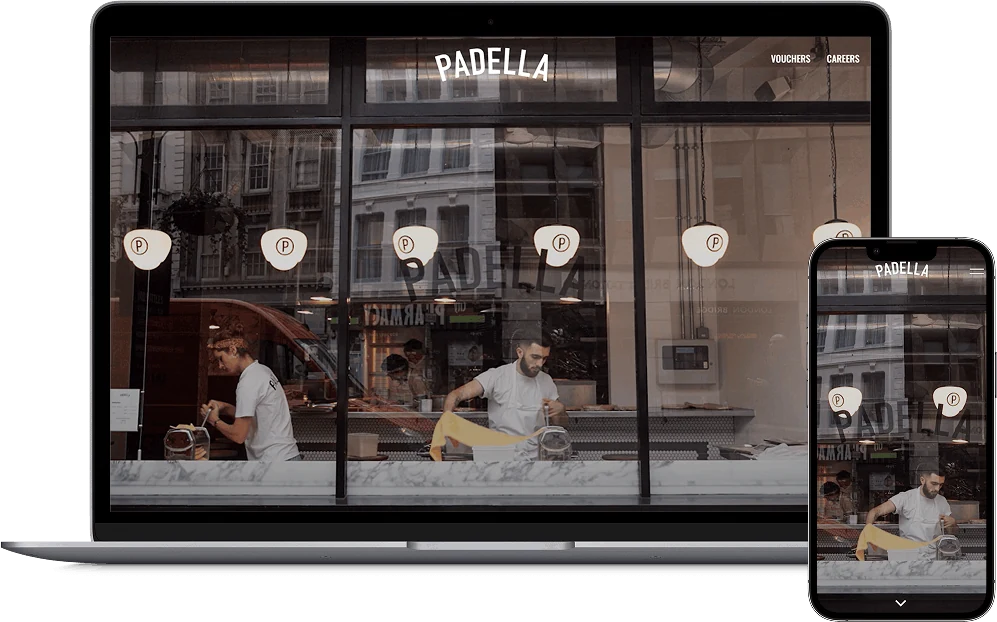
Today's pasta, right there on the homepage. Exactly what we wanted.
 Tim SiadatanChef and co-founder

When someone asks about our projects, the conversation often starts a step earlier: why Dholera? I’m glad Creolume made room for that on the site. I can send someone the link and they can read about the area, look at the residential projects and come back to us with a particular property in mind.
 Abhishek BhauwalaPartner

Patients don't always know the name of the consultant they need. They might only know the scan their doctor mentioned. Being able to start the search with either one makes a real difference to how the site feels.
 Philip LuceChief Executive
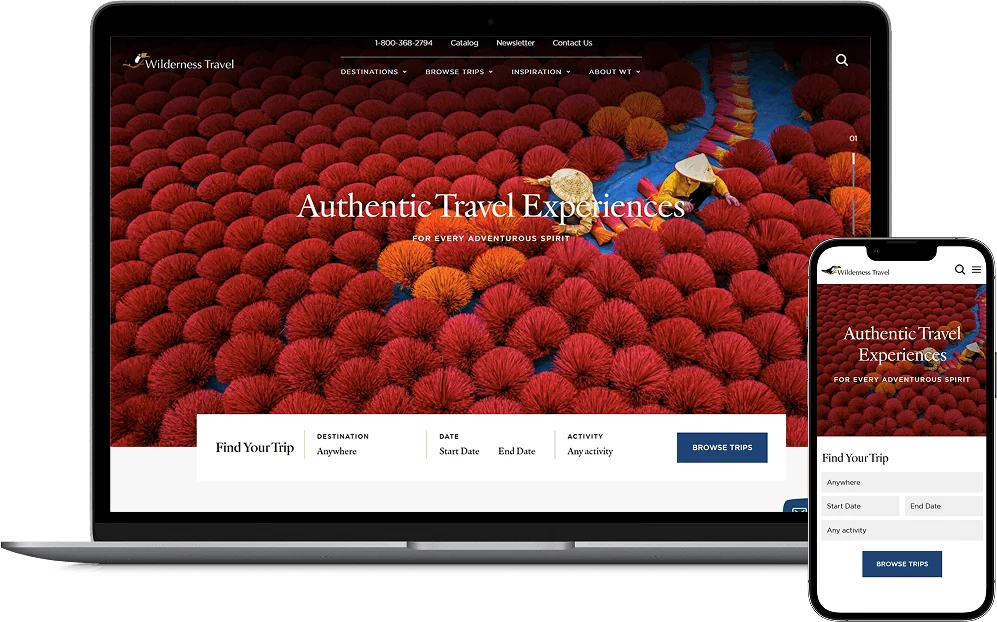
I went in looking for Japan and ended up browsing the rest of Asia. That's pretty much what we hoped people would do.
 Nicole AbbottManaging Director
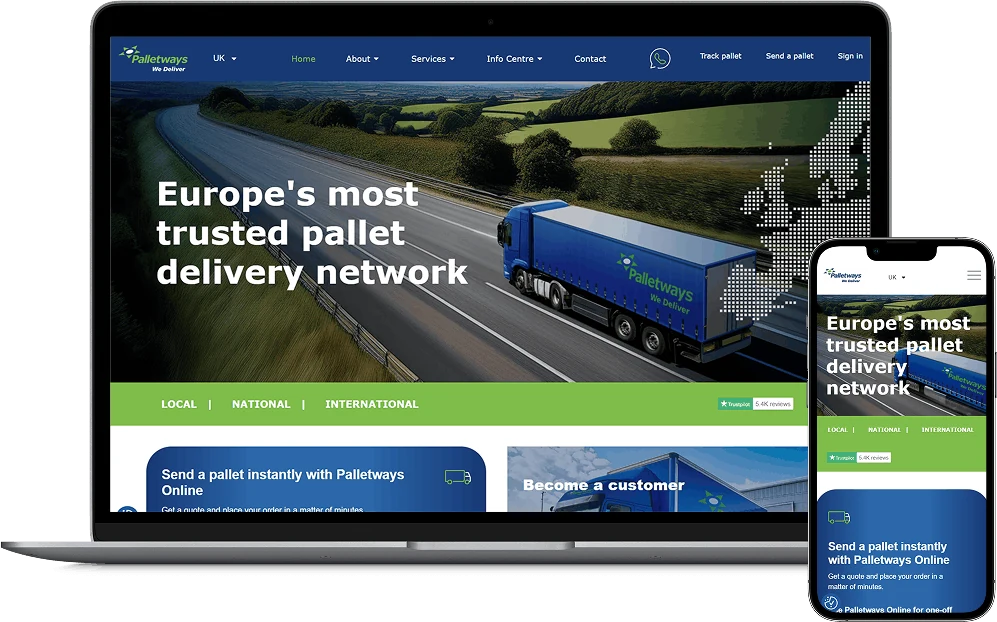
The tracking link is easy to spot. Small thing, but it's the first thing I'd look for as a customer. Happy to recommend Creolume.
 Luis ZubialdeCEO




















Plugins
Plugins add features quickly but also add weight and risk. We choose carefully.
Headless
Headless means WordPress manages content and another application displays it. It can be powerful, and it adds complexity, so we use it where it pays off.
Many sites are better served by a well-built traditional WordPress theme. We recommend headless only when the benefits justify the extra moving parts.
Migration
Not every project starts from scratch. We also take on existing WordPress sites that need attention.
Performance and security
Speed and safety are easier to build in than to bolt on. We handle them throughout the project.
Optimised images, minimal scripts and sensible caching keep pages light.
Queries are efficient, and custom post types are indexed sensibly.
Inputs are validated and escaped, permissions are checked and credentials are protected.
We configure sensible defaults and plan for updates and backups.
Build lean. Code and assets. Test. Speed and security. Harden. Server and login. Maintain. Updates and backups.
SEO
WordPress gives a good SEO base when it is configured well. We take care of the details.
Block editor
Modern WordPress is built around blocks. We use them to give editors freedom within a design system.
Handover
A project is finished when your team can run the site without us, if you want to.
Theme and plugin code in a repository with history.
Documentation covering structure, fields, blocks and deployment.
Editor training live or recorded, with short written guides.
Staging and production access set up under your control.
Launch checklist showing what was tested.
Support period with agreed response times.
Workflow
Behind a clean site is a clean process. We use the same practices as software teams, adapted for WordPress.
Who it is for
WordPress fits teams that want ownership and flexibility. These are the groups we help most.
A site that matches the brand and can be edited by non-developers.
Large content libraries with structured organisation and fast search.
Custom content types and access rules.
Sites that need custom design and function.
White-label WordPress development for client projects.
Process
A clear process turns a design and a content plan into a stable, editable site.
Step 01
We learn about your goals, audience, content and integrations, and define the scope. You receive: a project plan.
Step 02
We design content types, fields and templates around how your team works. You receive: a content model.
Step 03
We create or refine designs and prototypes, focused on responsive layouts. You receive: approved designs.
Step 04
We develop the theme, blocks, plugins and integrations in iterations on staging. You receive: a working site.
Step 05
We check performance, security, accessibility, devices and editing flows. You receive: a release candidate.
Step 06
We deploy, train your team and support you after go-live. You receive: a live site and training.
Engagement
Our WordPress developers, designers, QA engineers and project managers work with clients in India and around the world. We use shared boards, staging sites and clear change logs, with overlapping working hours.
You can engage us for a fixed-scope project, a retained team or occasional development support.
Share your goals, your design and any existing site. We'll reply with a recommended approach, the content model we would build and a first estimate.
FAQs
Answers to the questions we hear most often. If yours is not here, ask us directly.
It designs and builds WordPress websites, including custom themes, plugins, content structures and integrations, and often handles migration, performance, security and support.
Cost depends on the number of templates, content types, integrations and the level of design. Our pricing section shows indicative starting points in US dollars and Indian rupees, and we confirm an estimate after discovery.
A custom theme gives you exact design control, lean code and a structure that fits your content. Premium themes can be quicker to start but often carry unused features, which can slow the site and limit changes.
Custom post types are content types you define, such as projects or team members, each with its own fields and templates, instead of forcing everything into posts and pages.
Advanced Custom Fields is a plugin that adds structured inputs to the WordPress editor. We use it to give editors clear fields and blocks that keep layouts consistent.
In a headless set-up, WordPress stores and manages content, and a separate front end, such as one built with Next.js, displays it through an API. It suits sites needing custom interfaces or high performance.
Yes. You can hire dedicated WordPress developers as part of your team or for a defined project, with clear communication and reporting.
Yes. We design editing experiences around your team, with structured fields, clear labels and training, so changes are easy and safe.
Yes. We audit plugins, code, database and hosting, then fix performance, security and stability issues.
Yes. We migrate content, media and structure from other platforms and plan redirects so SEO is protected.
Yes. We provide a support period after launch and offer maintenance plans for updates, backups, monitoring and security.
Yes. Our WooCommerce service covers stores, plugins, payments and shipping, and we can combine it with a custom WordPress theme.
Yes. We set up translation plugins or separate language structures, plan URLs for SEO and prepare layouts for different text lengths and scripts.
Yes. We build from your Figma or design files and brand guidelines, and we raise questions early where designs need technical adjustments.
You receive the theme and plugin code, documentation, editor training, access to staging and production under your ownership and a record of what was tested before launch.
Yes. We plan and build multisite set-ups for networks of related sites, including shared themes, user roles and governance.
Cities we serve
We build custom WordPress sites for businesses in the United States, the United Kingdom, Germany, Canada and India. Each city page covers local industries, search habits, privacy rules, payments and time zones.